
Top stories · 15 October 2026
Krea 3 promises quicker edits—but what makes an image worth keeping?
Krea’s new image editor promises faster changes while keeping the rest of a picture consistent. The useful question is how many results you would actually keep.
Who it affects
Creators, shop owners and anyone who needs several versions of one image without starting from scratch.
Why it matters
A product image has two jobs: look inviting and show the thing a customer will receive. An editor that changes the setting while retaining the object could make seasonal campaigns easier. The useful question is whether it preserves those important details through enough attempts to save work.
What happened
Krea released Krea 3 on 15 October. It says most edits finish in under eight seconds at native 2K resolution, with up to six reference images. These are the company’s figures, not our own speed test.
The model is available on Krea and through partners. Its central promise is selective editing: changing a requested detail while preserving the product, character or surrounding scene.
What to do with it
- Enterprise
Compare total time to an approved asset, including retries and review. A fast first render is only one part of the creative process.
- Small businesses
Try a small set of product photos and count the edits you can publish after review. Keep the real product’s colour, shape and wording accurate.
- Individuals
Choose a photo you own and request one small change. Keep the original beside the result. Once that works, try a second setting. This makes it easy to learn which instructions help without spending a whole afternoon on prompts.
What selective editing asks the model to do
Creating an attractive new picture and modifying an approved picture are different tasks. In the second, most of the image is already a decision you have made. The rim of a bowl, the position of a label and the shape of a handle may all need to remain unchanged while the background moves from a kitchen to a dining table.
A reference image gives the system visual information about what to retain. It does not turn the task into a guaranteed copy-and-paste operation. For a first experiment, separate your brief into two parts: the details that must survive and the one change you want to explore. That also gives you a clear way to judge the result.
Eight seconds is one clock; an approved image is another
Krea lists a 2K image price of $0.06. Its comparison with other editors uses jobs on Krea from 24 September to 1 October, including queue time, and prices without image references. This is a provider comparison under those conditions, not a measurement of every service or subscription.
Consider a hypothetical batch of ten edits costing six cents each: generation costs $0.60 before other charges. If only two are suitable, that is $0.30 per usable image before review time. If eight are suitable, it is $0.075. Those invented acceptance rates show why the number you keep matters alongside the price and waiting time.
A bowl, three backgrounds, one useful test
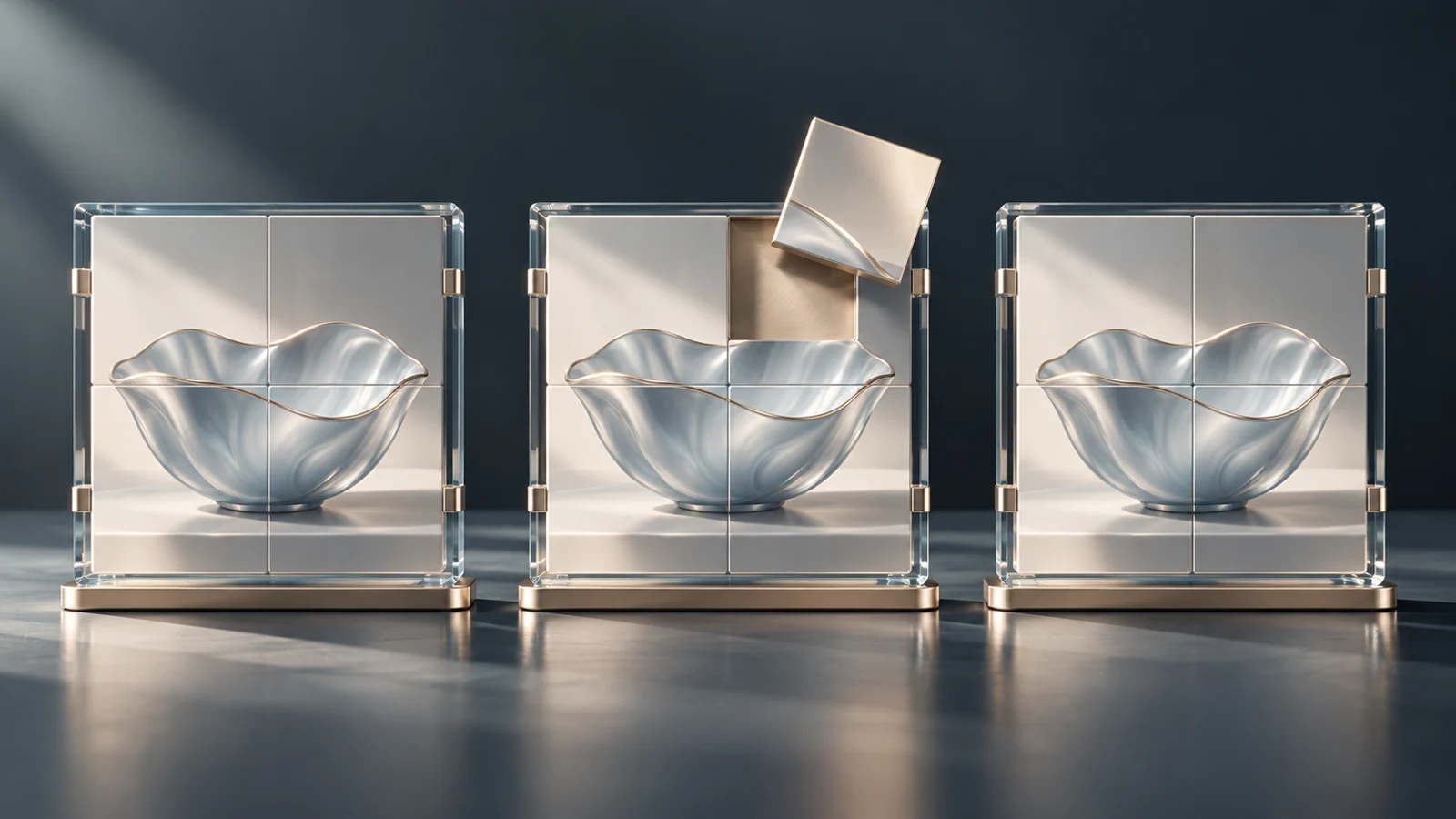
Use your own photograph of a handmade bowl. Ask separately for a pale tabletop, a window scene and a warm wall, starting from the original each time. Put the results beside the real photograph and inspect the silhouette, glaze pattern, colour and any markings. These are a suggested exercise, not results from our testing.
Keep a simple record: what you asked to change, what changed unintentionally, and whether a correction fixed it. You may find the tool excellent for exploring campaign ideas but still prefer the original photograph for the product listing. Both are useful outcomes; they serve different purposes.
Terms to know
- Reference image
- A supplied picture that shows an object, person or visual style. It guides the edit; you still compare the output with the details that must remain accurate.
- 2K resolution
- An image-size label around two thousand pixels across one dimension. Exact dimensions depend on the format. More pixels can show more detail, but cannot repair an incorrect product shape.
- Acceptance rate
- The share of generated results that meet your brief. If you keep two out of ten, your acceptance rate is 20%; this is separate from how quickly each image appears.
What the sources show
- Confirmed
The dated release confirms availability and the stated editing features. Speed and consistency claims come from Krea.
- What may follow
Quicker drafts could make creative experimentation more accessible; the benefit depends on how often the output meets your brief.
- What is not established
The announcement does not establish that every edit preserves every detail or that it is the best choice for every style.